Data exports
Every list in WhautoVoice can be exported to a CSV file. Exports are built in the background and collected from one place, Settings > Data exports, so you can start one and carry on working.
Start an export
There are three ways:
- Settings > Data exports > New export: choose a Dataset (Contacts, Calls, Campaign results or Activity log), a From and To date and, for calls, a Direction, then click Export.
- Export all on the Contacts, Calls or Activity log page: exports what the current filters show.
- Export selected from the selection bar after ticking rows on Contacts or Calls.
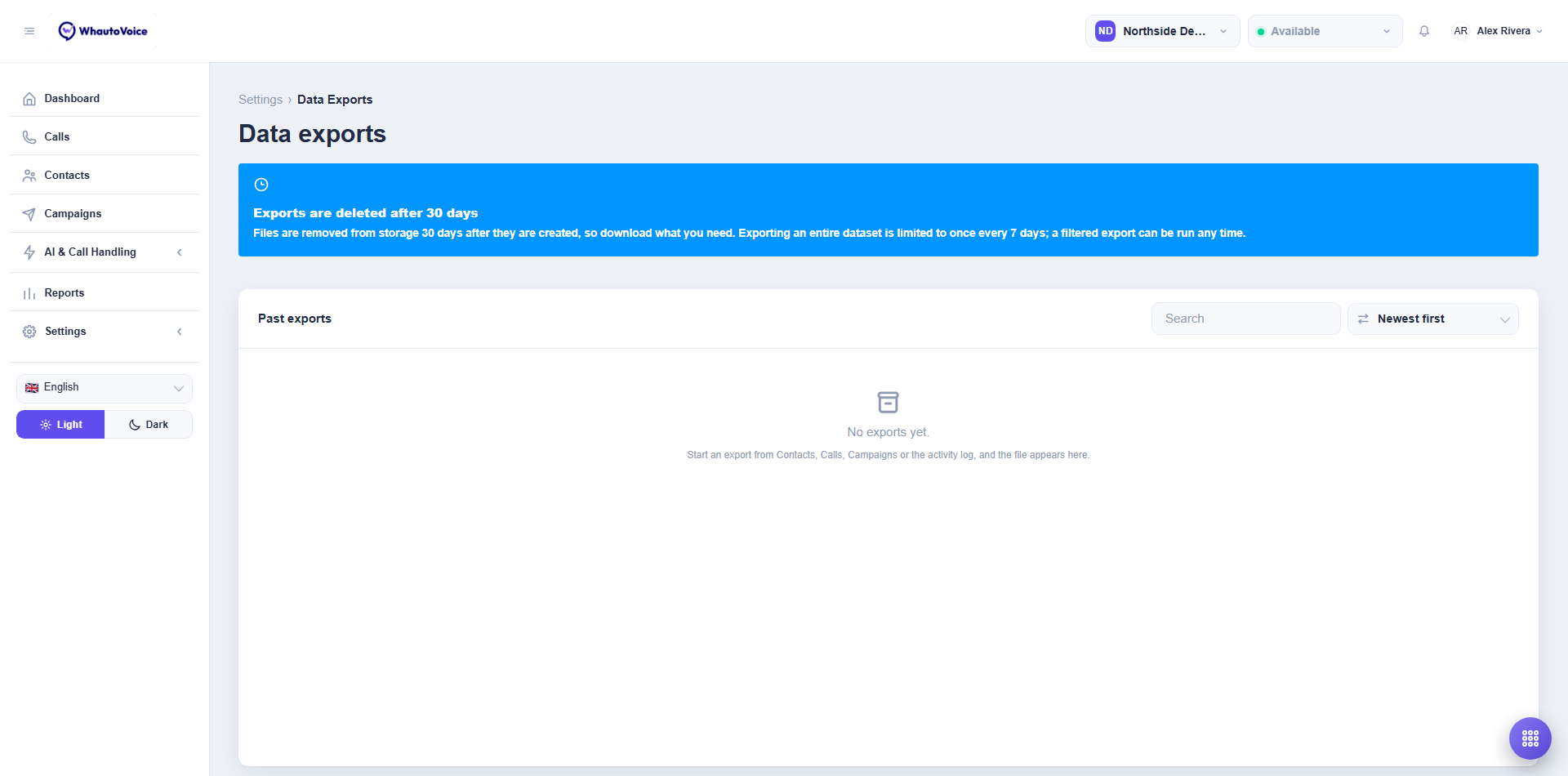
The file appears under Past exports with its progress: Queued, Processing, then Ready. Ready (capped) means the dataset was larger than the cap and the file holds the first 20,000 rows. Failed means something went wrong; try again or contact support.
Download and delete
Click Download to save the CSV. Each row also shows Dataset, Rows, Requested by, Requested at and Expires. Delete removes the file straight away.
Limits
| Rule | Detail |
|---|---|
| Row cap | 20,000 rows per file. Filter by date to export a large dataset in parts. |
| Retention | Files are deleted 7 days after they are created. Download what you need. |
| Full exports | Exporting an entire dataset with no filter is limited to once every 7 days. The page tells you when the next full export is available. A filtered export can run any time. |
| Agents | An Agent's export contains only the calls assigned to them. |
What is in each file
Contacts
| Column | |
|---|---|
| Id, Name, Phone, Email, Tags, Source, Attributes, Created at, Updated at | Tags are separated by ;. Attributes are your custom attributes as JSON. |
Calls
| Column | |
|---|---|
| Id, Started at, Direction, From, To, Contact, Platform number, Status, Handled by, Agent, Answered by, Duration (sec), Billed (sec), Disposition, Hangup cause, AI handoff reason, Summary | Platform number is your number; Summary is the AI agent's call summary. |
Campaign results
| Column | |
|---|---|
| Contact, Phone, Outcome, Attempts, Duration (sec), Disposition, Called at | One row per contact in the campaign. |
Activity log
| Column | |
|---|---|
| When, Event, Message, Performed by, Entity type, Entity id, IP address |
Recordings stay at your telephony provider and are streamed into the call page when you press Play. Export gives you the call metadata and transcript summary, not audio.
Related
Email us at hello@whautovoice.com and we will get you sorted.