Forgot password
Locked out? A reset link gets you back in within a minute.
Reset your password
- Open the login page
- Go to app.whautovoice.com/auth/login and click Forgot password? under the password field.
- Enter your email address
- Use the address you sign in with, then click Send reset link.
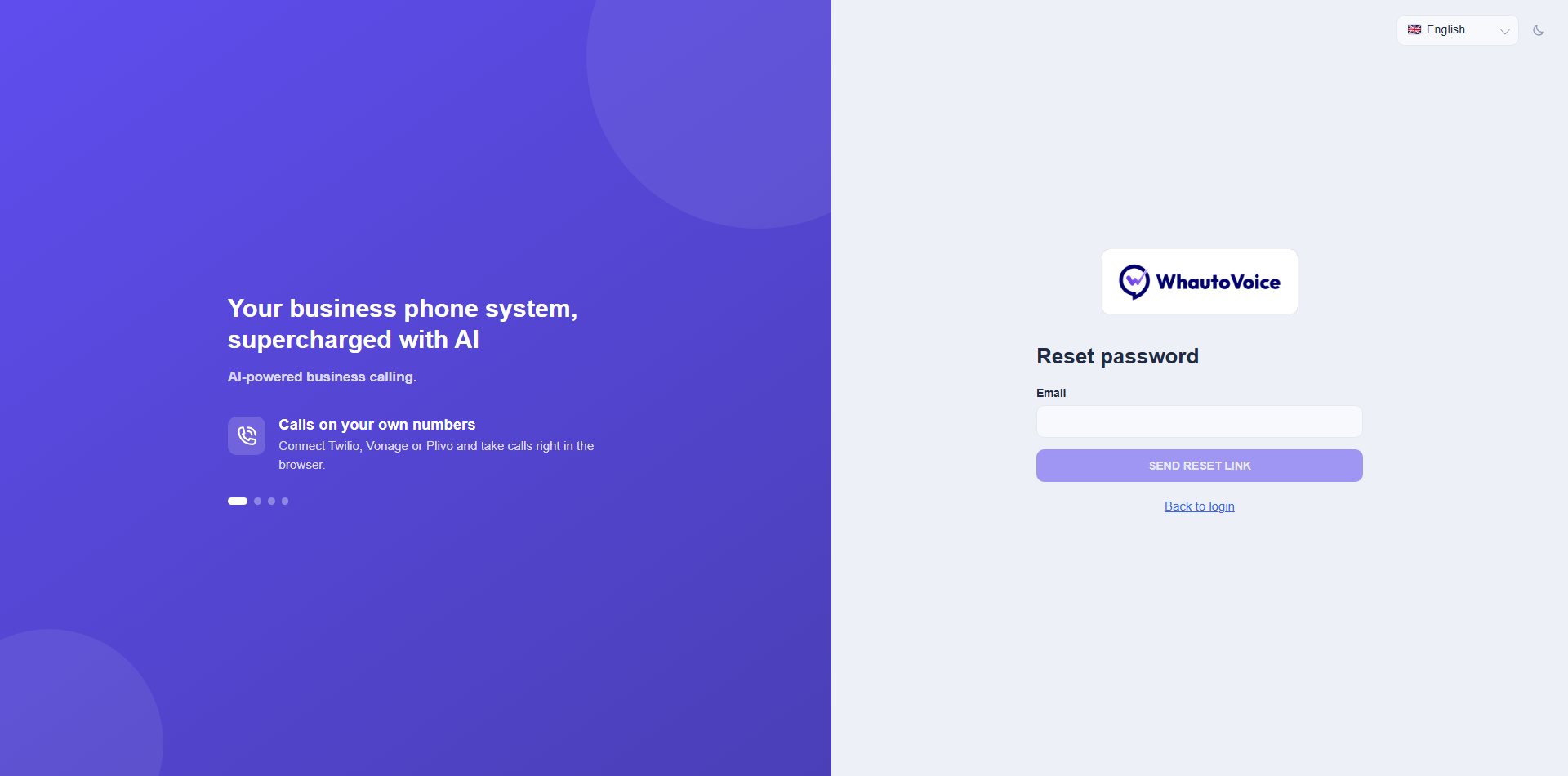
- Check your inbox
- The page says "If that email is registered, a password reset link is on its way." It says the same whether or not the address exists, so nobody can use the form to check who has an account.
- Open the link
- The Reset password page asks for a New password and a confirmation. At least 8 characters, and both must match.
- Sign in
- Click Back to login and sign in with the new password. If two-factor authentication is on, you still need your one-time code.
If the email does not arrive
- Check the spam or junk folder and search for "WhautoVoice".
- Make sure you typed the address you were invited with, not a personal alias.
- Ask an Owner or Administrator to check that your member row is Active under Settings > Team. Deactivated members cannot reset their password.
- Wait a few minutes and request another link. Only the newest link works.
Changing a password you know
Sign in, open Settings > Profile (or Security) and use Change password. See Security and two-factor authentication.
Related
Need help?
Email us at hello@whautovoice.com and we will get you sorted.