Importing contacts
Bring an existing list into WhautoVoice from a CSV file. The import runs in the background, so you can carry on working while it finishes.
Before you start
- A CSV file with a header row. Any spreadsheet can save one.
- Phone numbers in international format, for example +1 202 555 0101. A row without a phone number is skipped.
- Check your plan's contact allowance under Settings > Subscription & usage if the file is large.
Step 1: Choose your file
- Open the import page
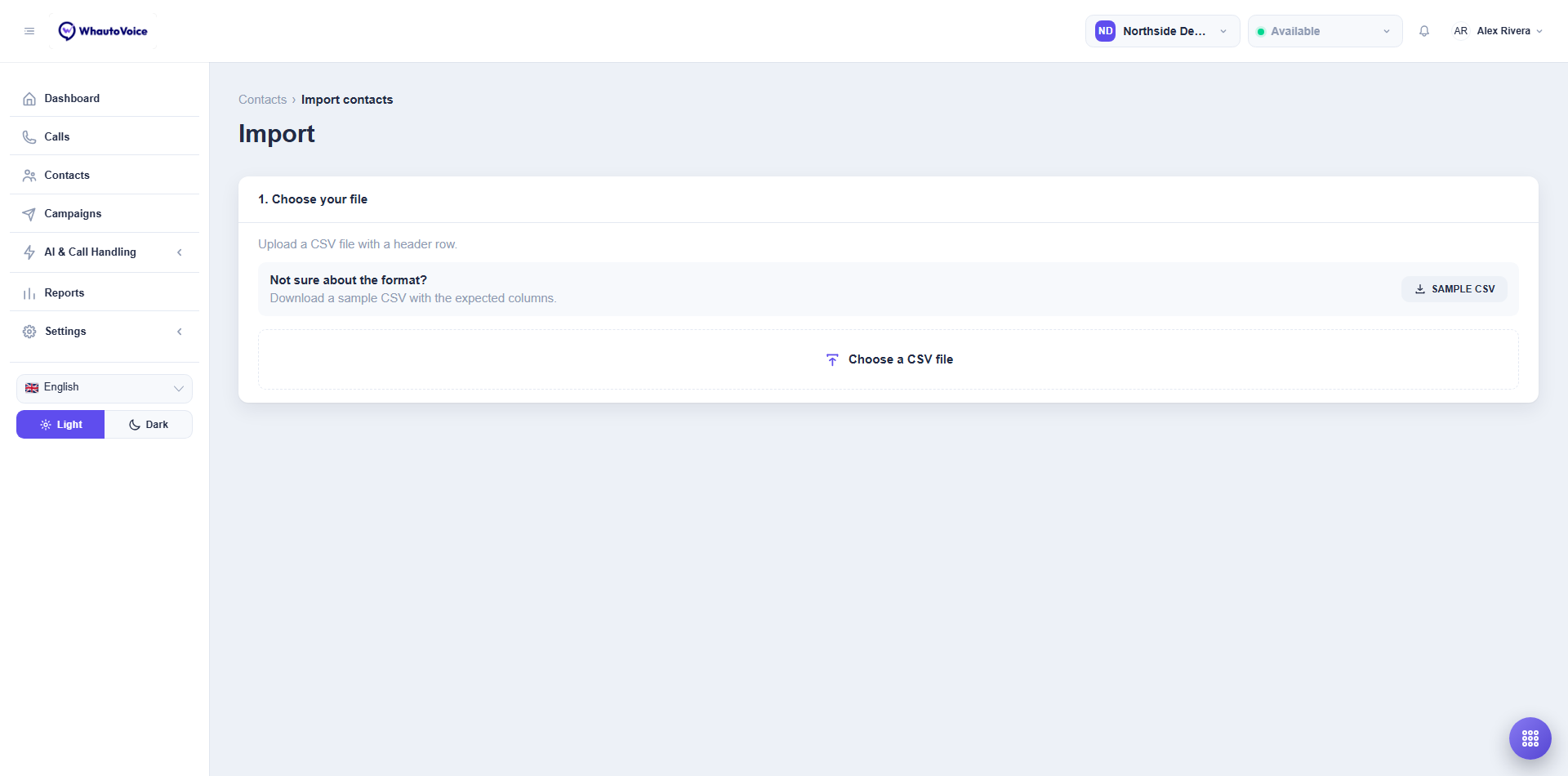
- Go to Contacts and click Import.
- Download the sample if you are unsure of the format
- Sample CSV gives you a file with the expected columns.
- Click Choose a CSV file
- Pick the file. The rows are read in your browser and counted.
Step 2: Match the columns
Each column in your file is listed with a dropdown. Pick the WhautoVoice field it belongs to, or leave it as Not mapped.
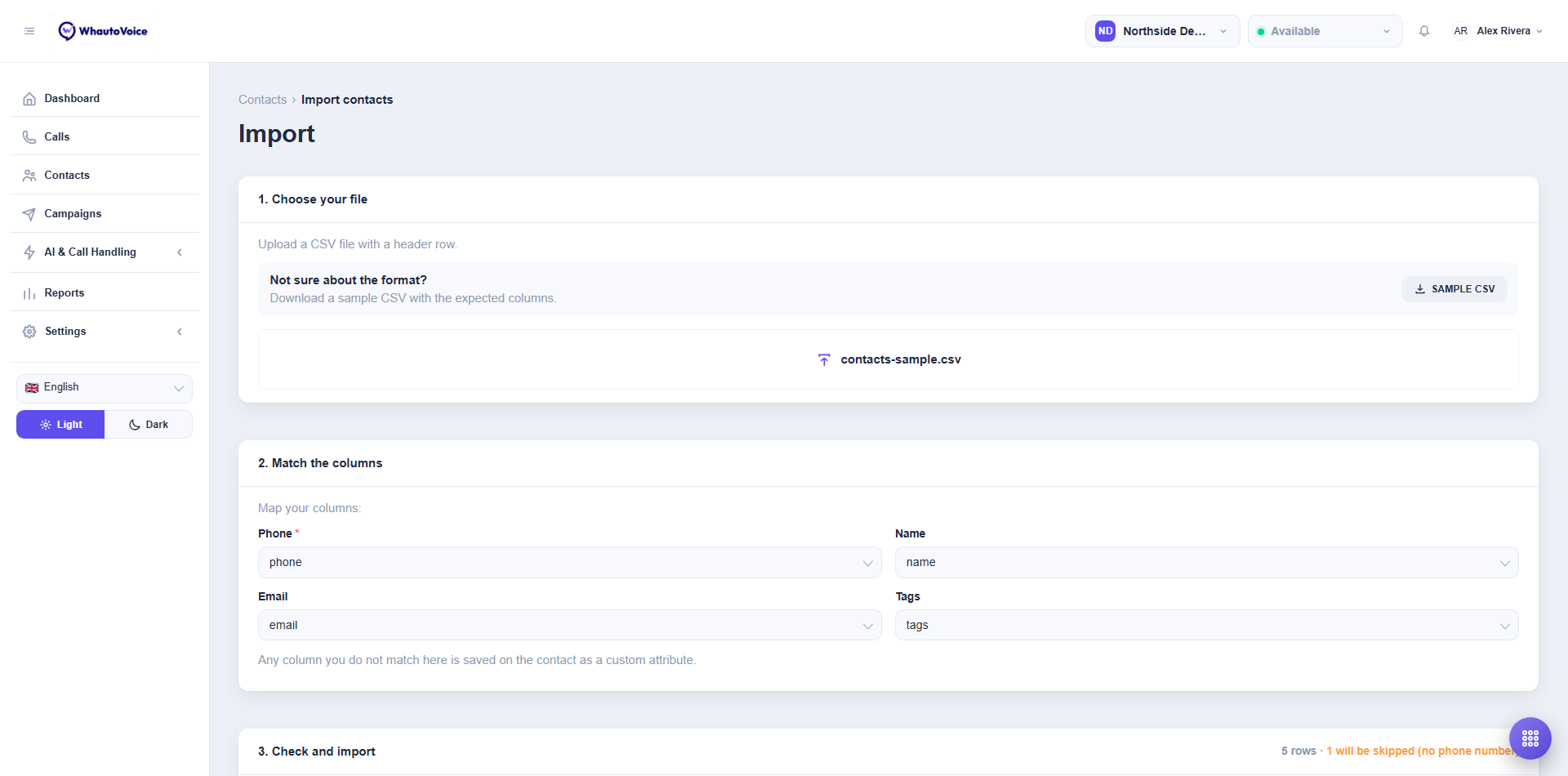
| Field | Required | Notes |
|---|---|---|
| Phone | Yes | Normalised to international format. Rows without one are skipped. |
| Name | No | |
| No | ||
| Tags | No | One cell, separated by ; or ,. Tags that do not exist yet are created. |
Any column you do not match is saved on the contact as a custom attribute, using the column header as the attribute name. That is how "company", "insurer" or "preferred time" columns survive the import.
Step 3: Check and import
The preview shows the total row count, how many rows will be skipped for having no phone number, and the first rows as they will be saved.
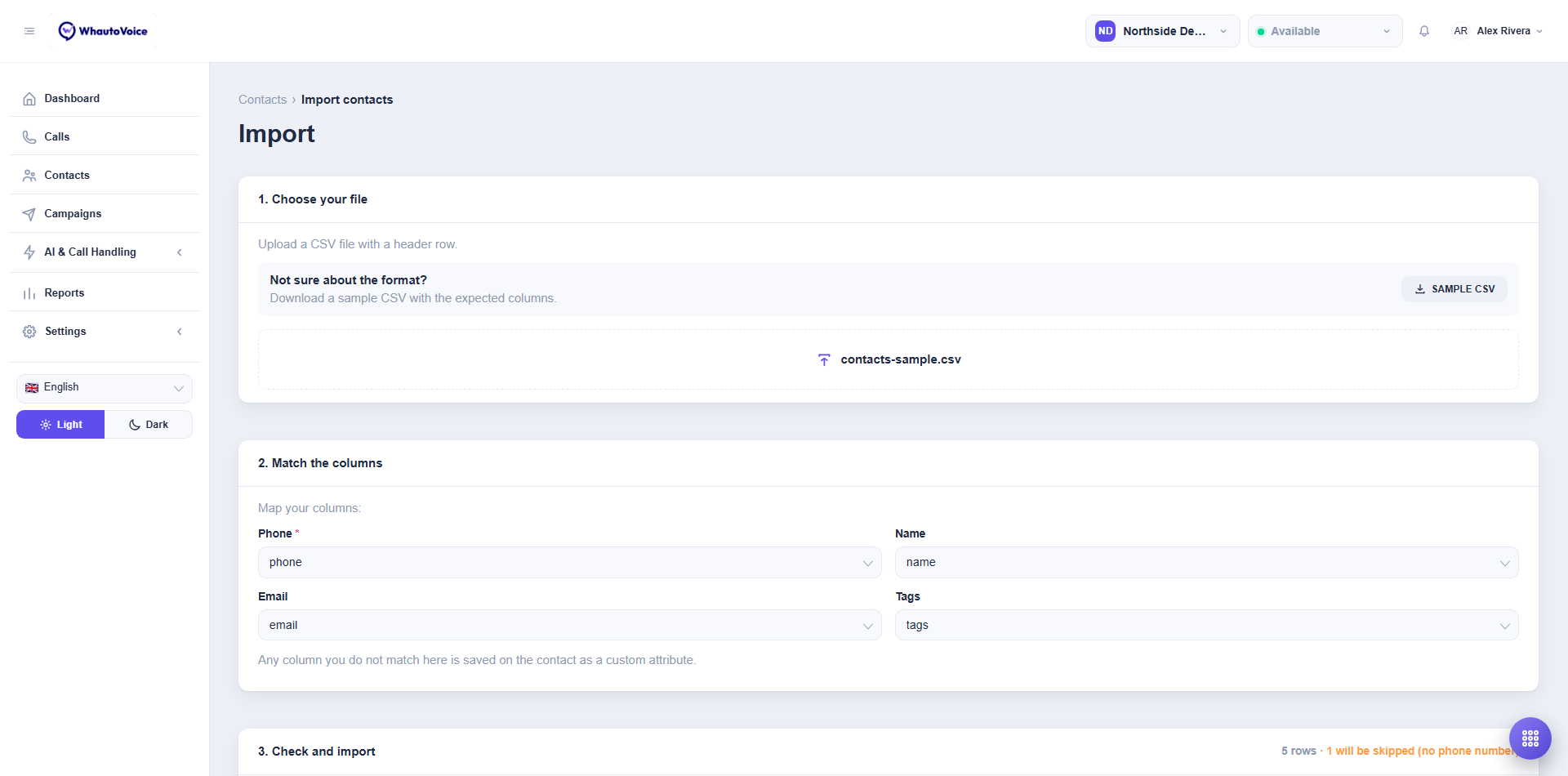
Click Import contacts. The rows are queued and a progress strip shows Queued, In progress and then Finished with the result, for example "Imported 212 contacts (3 skipped)". If some rows finish with problems you see Finished with skipped rows.
How duplicates are handled
One contact per phone number per account. A row whose phone number already exists is skipped and counted in the result, and the existing contact is left untouched. Import a corrected file with only the new rows rather than the whole list again.
Common reasons a row is skipped
- The phone cell is empty.
- The number cannot be read as a phone number (letters, or too few digits).
- The number already belongs to a contact.
- The account's contact allowance is full. Upgrade the plan or remove contacts you no longer need.
Give imported rows a tag such as imported-sept in the file. You can then build a segment on that tag and start a campaign against exactly those contacts. See Tags and segments.
Related
Email us at hello@whautovoice.com and we will get you sorted.