Webhooks
A webhook sends a JSON payload to a URL you own the moment something happens: a call starts or ends, a voicemail is left, an AI agent hands a call to a person, a recording is ready, a contact is created or tagged. Use it to log calls in your CRM, trigger a follow-up, or feed a dashboard.
Before you start
- An HTTPS endpoint that answers quickly with a 2xx status. WhautoVoice sends a subscription check to it when you save, and the save fails if the check does not get a 2xx.
- Your plan's webhook allowance: 10 endpoints on Starter, 50 on Growth, unlimited on Scale.
- Only Owners and Administrators can manage webhooks.
The Webhooks page
Open Settings > Webhooks (or the Webhooks card on the Integrations page).
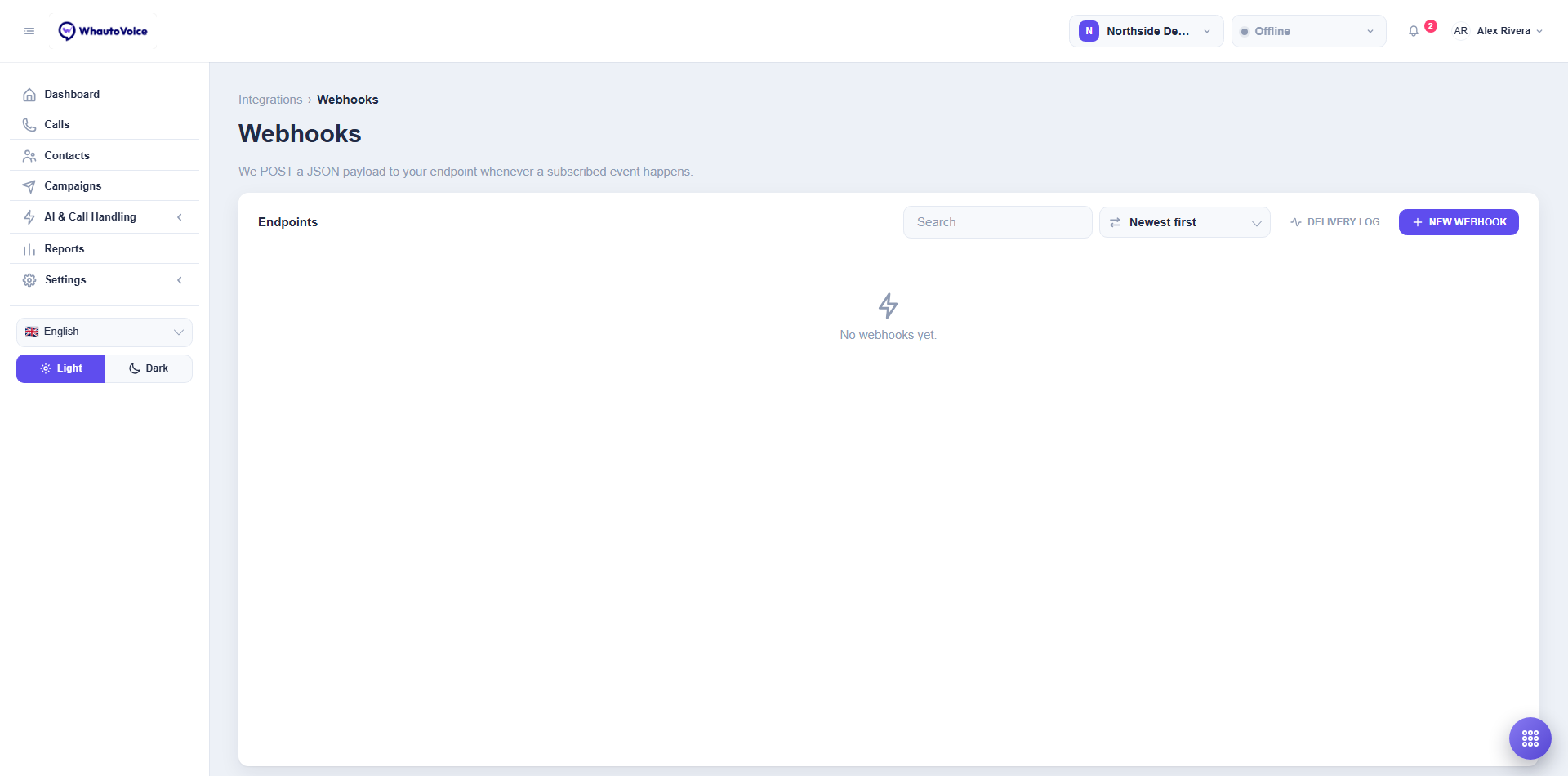
Each endpoint shows its name, URL, events, whether it is Active and when it was created. Delivery log opens the log for every endpoint.
Create a webhook
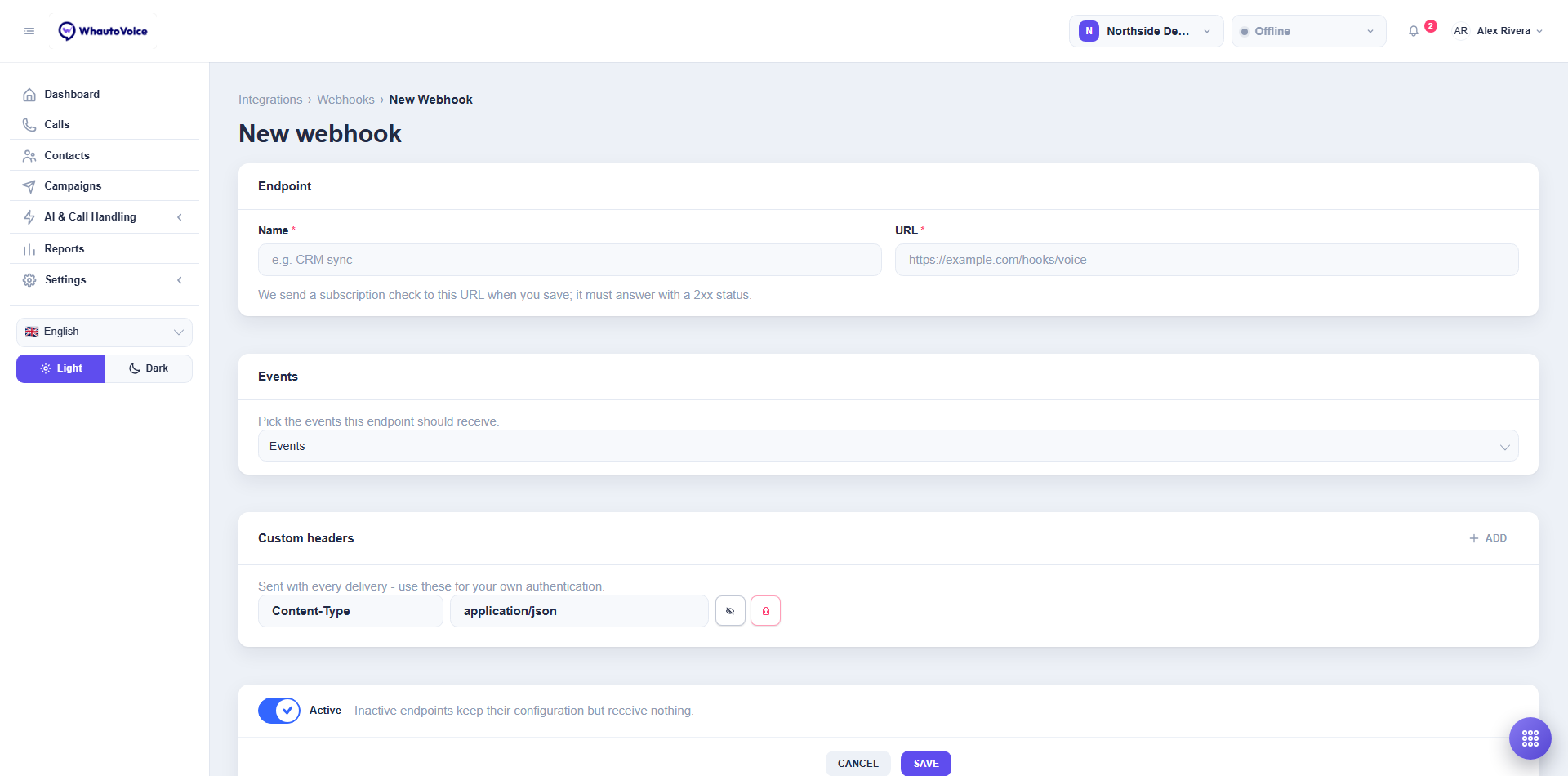
- Click New webhook
- Fill in the form
- Name: what the endpoint is for, for example "CRM sync".
- URL: must start with
https://. - Events: tick the events this endpoint should receive. At least one.
- Custom headers: sent with every delivery. Put your own authentication here, for example
Authorization: Bearer .... Values can be hidden with Hide value. - Active: switch it off to keep the configuration but receive nothing.
- Click Save
- The subscription check is sent. A 2xx answer saves the endpoint; anything else shows the error so you can fix the URL.
Events
| Group | Event | Fires when |
|---|---|---|
| Calls | call_started | A call is answered by a person or an AI agent. |
| Calls | call_completed | A call ends, with its duration, disposition and summary. |
| Calls | call_missed | An inbound call rang out unanswered. |
| Calls | call_voicemail | A caller left a voicemail. |
| Calls | call_ai_handoff | An AI voice agent passed the call to a person, with the reason. |
| Calls | call_recording_ready | A recording is available to play. |
| Contacts | contact_created | A contact was added, by a call, an import, the API or by hand. |
| Contacts | contact_tag_added | A tag was added to a contact, by anyone including an AI agent. |
| Contacts | contact_tag_removed | A tag was removed from a contact. |
Payloads
Every delivery is a POST with Content-Type: application/json. The event object says what happened: type is the event name, id identifies this event, key is the call or contact it is about, and timeStamp is when it happened. Call events carry a call object; contact events carry a contact object. Field names:
{
  "event": {
    "id": "Fh2kP9wQ1L",
    "type": "call_completed",
    "key": "jD6Wq8zCf9",
    "timeStamp": "2026-10-09T14:32:05.120Z"
  },
  "call": {
    "id": "jD6Wq8zCf9",
    "provider": "twilio",
    "direction": "inbound",
    "status": "completed",
    "handledBy": "agent",
    "from": "+12025550173",
    "to": "+12025550154",
    "durationSec": 644,
    "disposition": "Not interested",
    "platformNumber": "+12025550154",
    "transcriptSummary": "Caller reported a chipped tooth, no pain. Offered the next available emergency slot and transferred to the front desk.",
    "aiHandoffReason": "Caller reported a dental emergency",
    "agent": { "id": "Qx3...", "name": "Daniel Ong" }
  }
}
{
  "event": {
    "id": "Rb7nT3vY8M",
    "type": "contact_tag_added",
    "key": "XXT0NLdlnv",
    "timeStamp": "2026-10-09T14:40:11.402Z"
  },
  "contact": {
    "id": "XXT0NLdlnv",
    "name": "Maya Kim",
    "phone": "+6565550133",
    "email": "maya.kim@example.com",
    "addedTags": ["vip"],
    "removedTags": []
  }
}
Fields that do not apply to an event are empty. The id values are stable and match the REST API, so you can fetch the full record later.
Test an endpoint
Click Send test event on an endpoint. A sample call_completed payload is delivered and the result appears in the delivery log. Use it after every change to your receiver.
Delivery log
Open Settings > Webhook delivery log or click Delivery log on the Webhooks page.
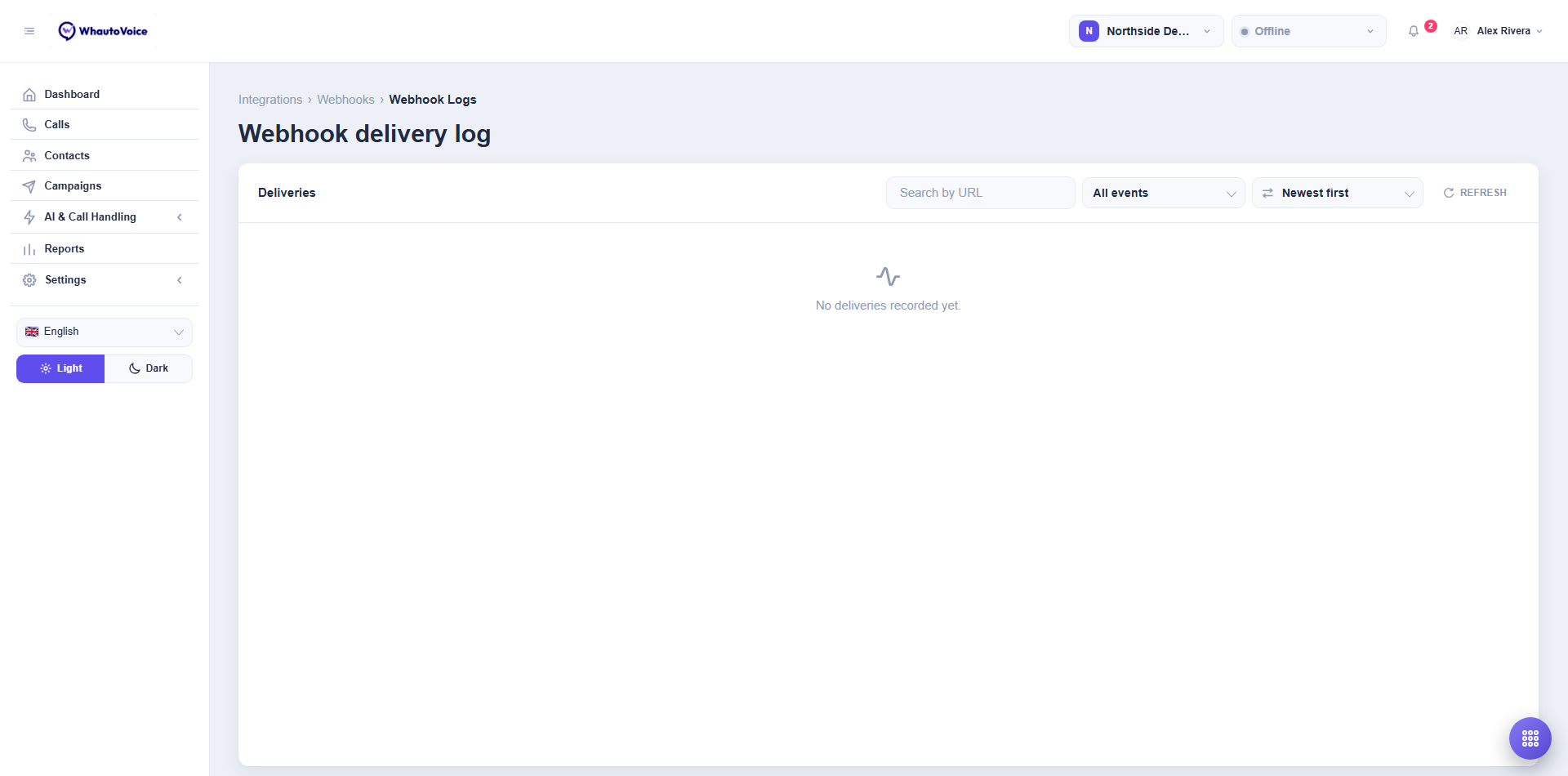
- Filter by event or search by URL, and Refresh to pick up new deliveries.
- Each row shows When, Event, the endpoint and Delivered or Failed.
- Click a row for Delivery detail with the Payload sent and the Response your server returned, including the status code.
Building a reliable receiver
- Answer with a 2xx within a few seconds and do the real work afterwards. Slow receivers time out and are marked failed.
- Treat deliveries as at least once. A retry carries the same
event.id, so use it to ignore a duplicate. - Verify the custom header you set before trusting a payload.
- Keep the endpoint reachable from the public internet. Local or private URLs cannot be saved.
Related
Email us at hello@whautovoice.com and we will get you sorted.